

Product Help & FAQ's
If you have any further questions please feel free to Contact Us
For a list of frequently asked questions please click here to visit the DEVI.com website
Note: Product Manuals, Installation Guides, Operating Instructions and videos can be found under the information and links tab on the individual product pages.

The Ultimate Homeowner's Guide
to Electric Underfloor Heating
How to choose the most comfortable, efficient and future-ready heating system for your home.
Click on the link below
DEVI GUIDE
DEVImat™ DSVF-150
DEVI Under Tile Heating Element Calculator
Click on the link below for the Calculator which will assist you in identifying the products you need
for your under-tile heating project. If you need additional assistance please contact us.
Want your own copy of the calculator?
Contact us and we will send the calculator directly to you to download on to your computer.
DEVImat™ Undertile Installation Video Guide

LAYOUT TIPS FOR INSTALLING DEVImat™
Click Here
DEVIreg™ Touch Thermostat
DEVIreg™ Touch - How to program your DEVI Touch made easy video.
Or download and view the informative User Guide DEVIreg™ Touch User Guide
DEVIreg™ Touch - Side Button Tips
- To turn the thermostat on or off, there is a discrete button on the side of the control head at about 2 o’clock position.
This enables the thermostat to be turned off for extended periods while retaining its programmed parameters.
- If the thermostat has had the lock function previously enabled, to re-enter the thermostat turn the thermostat on at the side button. When the screen illuminates there is a screen saying Safety lock enabled with a tick and a cross. Pressing the tick within 3 seconds enables entry into the thermostat settings.
- If the lock is not required in the future, it may be disabled by disabled by entering Settings / Options / Safety Lock, then press OFF.
For more useful information please read the User Guide.
DEVIreg™ Touch User Guide

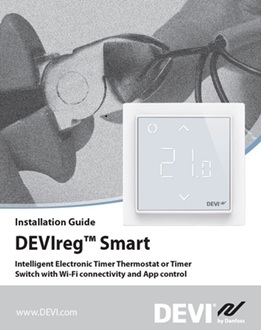
DEVIreg™ Smart WiFi Thermostat

DEVIreg™ Smart How To Videos
The following Link takes you to helpful videos for programming and using you Smart thermostat & app.
DEVI Smart How to VideosDEVIreg™ Smart Installation and Consumer Support
DEVIreg™ Smart application ensures wireless control of electric underfloor heating systems equipped with DEVIreg™ Smart thermostat. This app turns your mobile device into an intuitive underfloor heating remote control.
Need Help with the App Click Here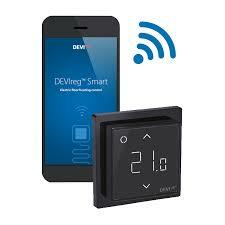
DEVIreg™ Smart App for iOS - wireless control of electrical heating
DEVIsmart™ application provides you with possibility to wireless control of electric floor heating systems equipped with DEVIreg™ Smart thermostat.
DEVIreg™ Smart App for Android - wireless control of electrical heating
DEVIsmart™ application provides you with possibility to wireless control of electric floor heating systems equipped with DEVIreg™ Smart thermostat. The app turns your mobile device into an intuitive floor heating remote control.
Self Limiting Cable Connections
Technical Instructions for Self limiting Cable Connections
This instruction details how to connect cold-tail leads (mains feeds) to elements, and how to terminate the blind end of the heating cable for the following trace heating elements ranges.
DEVI-Hotwatt
DEVI-pipeguard
DEVI-iceguard
DEVI-industrial
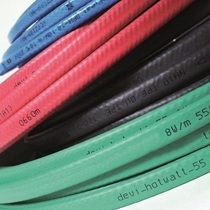
DEVI Connecto
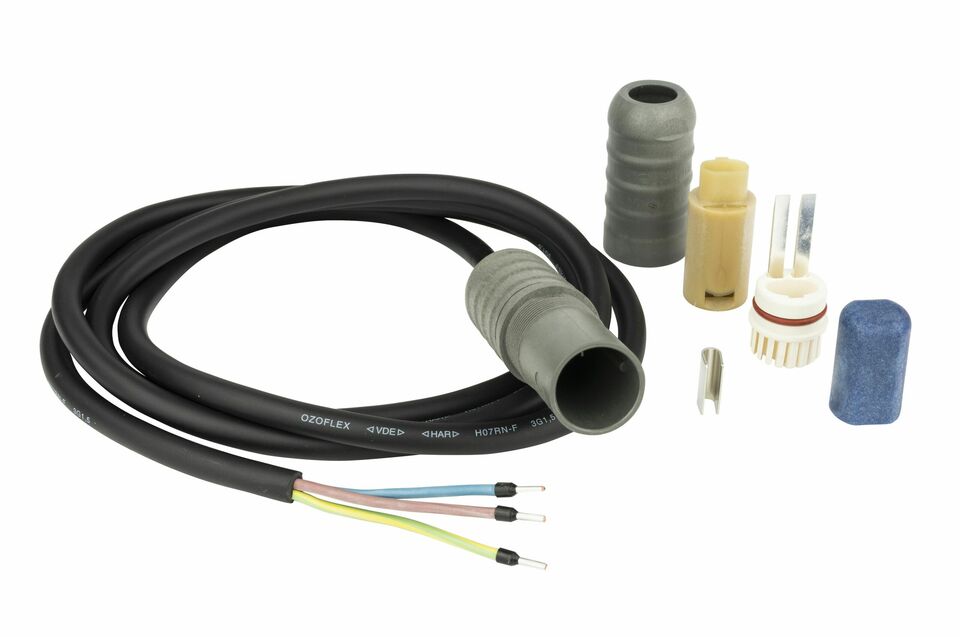
How to use your Connecto Power
Connection Kit - Video
In Slab installation
This is a helpful guide for installing DEVIflex 10T & DTCE cables for In-Slab and In-Screed Applications.
Click on the link to download.
Ecofilm F Floor Heating Installation
Mirror Demister Installation
DEVI Roof Protection
DEVI - Outdoor Electrical Heating Systems
How to install electrical ice and snow melting systems to protect your roof and gutters.
DEVI Outdoor Safety
DEVI winter solutions – Outdoor safety applications and frost protection
DEVI systems are used in all frost protection applications in parking lots, garages, stairs, pavements and other ground-level surfaces, which can be secured against the negative effects of winter.
Diagnostic Services
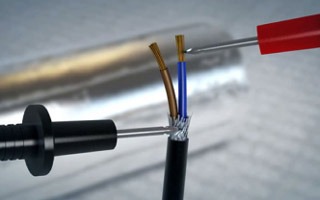
We offer a full range of diagnostic services for DEVI under floor heating faults.
No matter who supplied or installed your DEVI Heating System, we can locate and repair undertile element and inslab cable breaks or faults within your environment.

Documentation
View our Application Manuals and/or the installation guides, technical sheets and product manuals available on product pages.
